How do you start Grow a Plant?
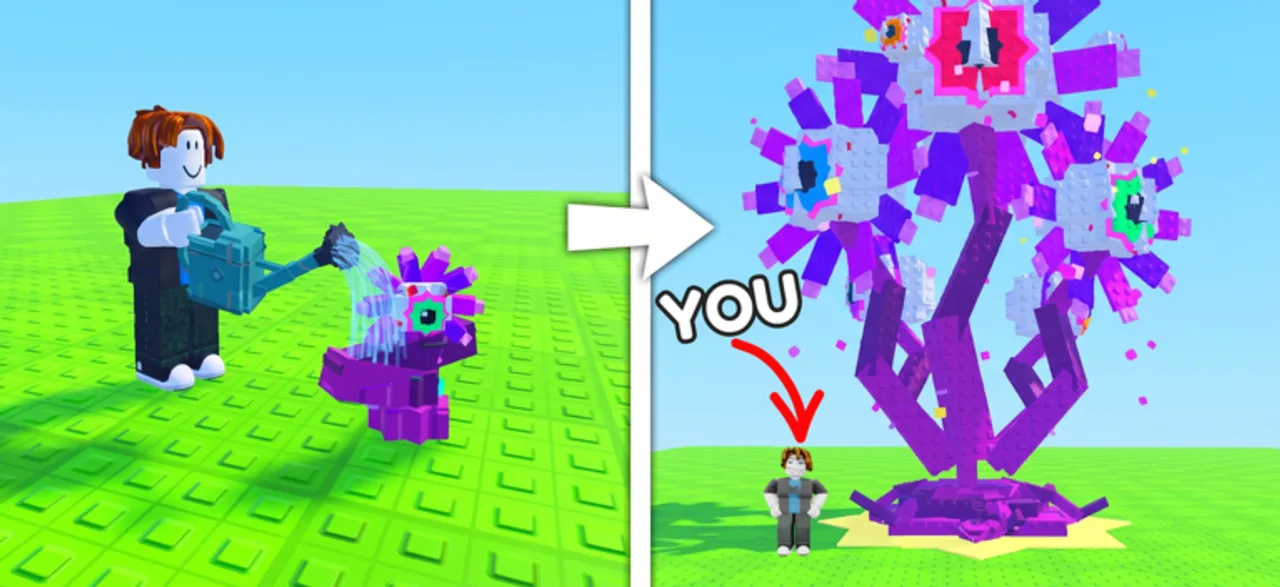
Start by opening a seed pack, planting the seed at your base and watering it. Grow a Plant by We don't give up here turns the plants you grow into income for further progress. Learn that small loop before spending your balance on another pack.
Use the official Roblox link below to enter the seed-pack experience. Another Roblox game also uses the name Grow a Plant, so check the developer name before following a guide.
Your first planting loop
Locate your base
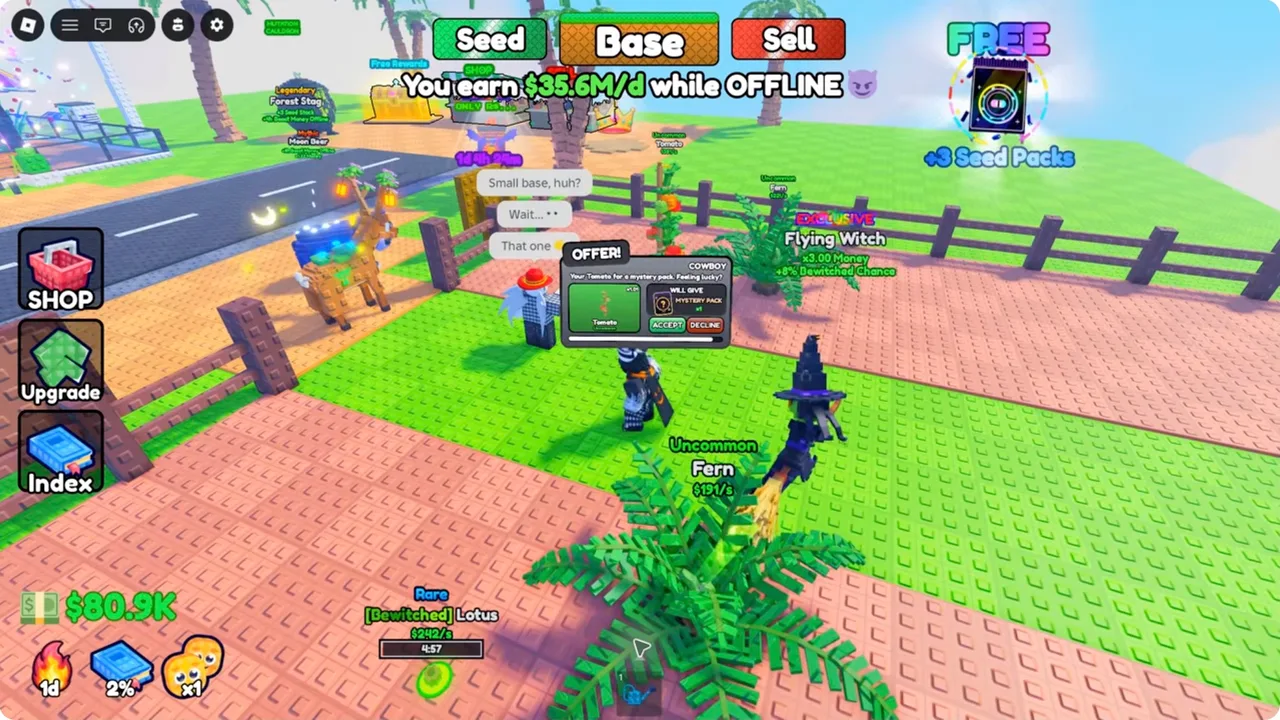
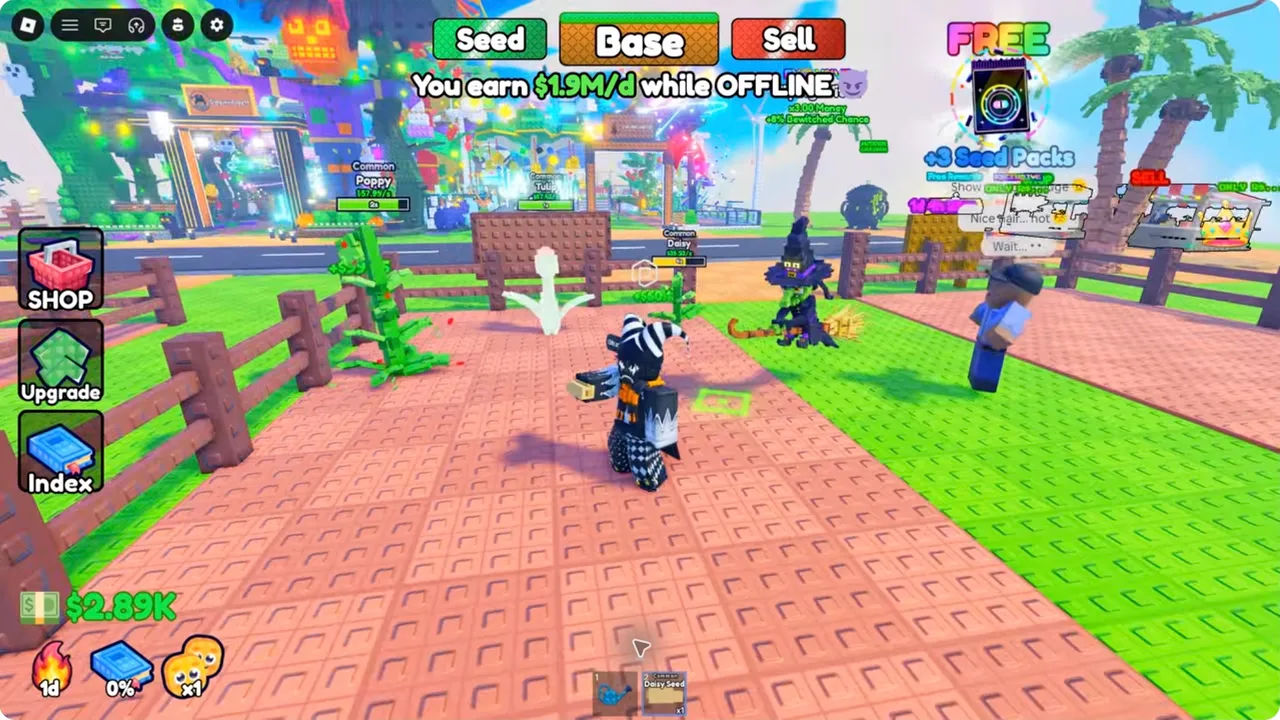
Use the Base control to return to the plot you own. In the reviewed playthrough, the growing area has fenced soil plots; Seed and Sell are separate destinations.
Open a seed pack
Check the pack name and current cost before buying. Opening a pack gives seeds; buying more packs does not guarantee a rare result.
Plant the seed
Select a seed you actually own and use the planting interaction on your plot. Watch for a placed plant or a change in the inventory rather than repeatedly activating the same action.
Water and observe
Use the watering interaction and watch the plant or its progress display change. The interface in your session determines the control for your device.
Check income before the next purchase
Read the cash display and plant information, then set aside cash for your next known need. The seed-pack budget calculator can show how many packs fit after that reserve.
What should you spend on first?
A sensible first objective is to finish a functioning planting loop and understand the current upgrade options. This is an editorial learning order, not a measured ranking of plants or a promise of fastest progress.
If a pack purchase would leave you unable to afford a known next step, reduce the pack budget. If the base is the actual constraint, inspect its upgrade requirements before buying more seeds.
Questions answered
Is this the same game as Grow a Garden?
No. This guide covers Grow a Plant by We don't give up here, Roblox place 74641726785011. Grow a Garden and the Do That Studios game of the same name have different evidence and should not supply this game's prices or mechanics.
Can I play on mobile?
The official Grow a Plant description lists desktop, console, mobile and tablet support. Follow the prompt shown by your device; this guide does not assume a keyboard-only control.
Sources and evidence limits
- Grow a Plant — official Roblox experience
Supports the seed-pack, planting, watering, plant-income, visitor, base-upgrade, drone and rare/secret-plant loop. Does not publish exact pack odds, growth times, income tables or upgrade costs.
Accessed - Superlex Plays — Starting Over as NOOB with OP SECRET in Grow a Plant!
Observed gameplay from the target experience: Daisy, Poppy and Tulip labels at 0:00–1:09 and an Uncommon Fern Seed at 1:44; Seed/Base/Sell and Upgrade/Index controls. Account bonuses and shown earnings are not baseline plant statistics.
Accessed